
Table of Contents
This article describes how to use the custom components provided by Frosti in .mdx files to create rich content that standard Markdown can’t support.
You will learn how to set up MDX files, import Frosti components, and apply them in real content sections.
- Create an
.mdxfile undersrc/content/blog - Import the components you need
- Use them directly in your Markdown body
Getting Started Link to Getting Started
To use these components, simply create a file with the .mdx extension. Frosti has built-in support for MDX.
Importing Components Link to Importing Components
The components provided by Frosti are located in the /src/components/mdx/ directory. You need to import them in the frontmatter section of your MDX file:
123456789import Collapse from "../../components/mdx/Collapse.astro";
import Diff from "../../components/mdx/Diff.astro";
import Error from "../../components/mdx/Error.astro";
import Info from "../../components/mdx/Info.astro";
import Kbd from "../../components/mdx/Kbd.astro";
import Success from "../../components/mdx/Success.astro";
import Warning from "../../components/mdx/Warning.astro";
import TimeLine from "../../components/mdx/TimeLine.astro";
import LinkCard from "../../components/mdx/LinkCard.astro";
Component Examples Link to Component Examples
Below are examples of how to use each component.
Collapse (Accordion) Link to Collapse (Accordion)
Use <Collapse> to hide content that can be toggled by the user.
Click to reveal hidden content
This is the hidden content! You can put text, code, or other components here.
Code:
123<Collapse title="Click to reveal hidden content">
This is the hidden content! You can put text, code, or other components here.
</Collapse>
Diff (Image Comparison) Link to Diff (Image Comparison)
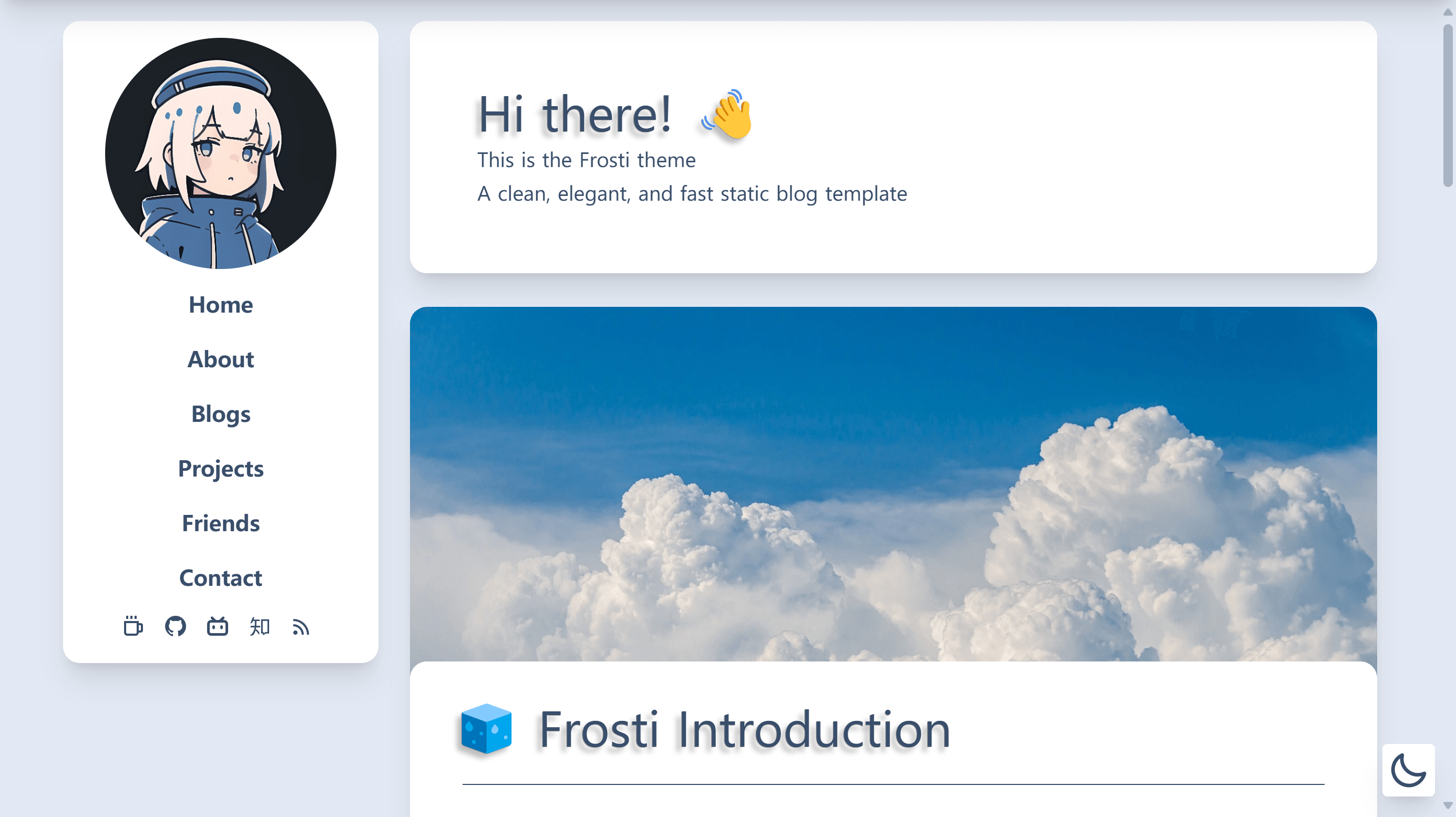
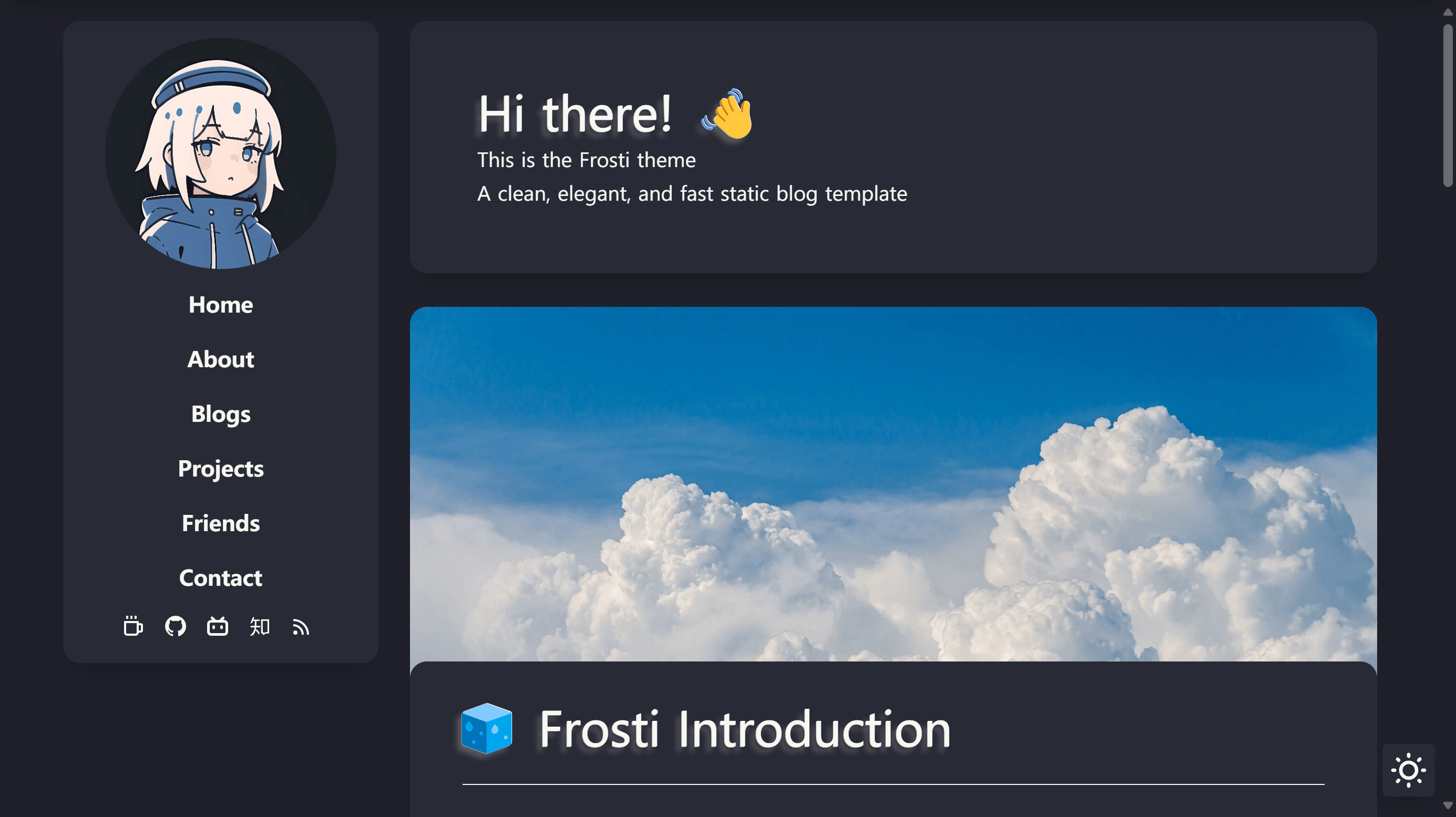
Use <Diff> to compare two images side-by-side with a slider.
Code:
1<Diff r="/image/r.png" l="/image/l.png" />
Alert Boxes Link to Alert Boxes
Use these components to highlight important information.
Error Link to Error
1<Error>Something went wrong! Please check your configuration.</Error>
Warning Link to Warning
1<Warning>Proceed with caution. This action cannot be undone.</Warning>
Info Link to Info
1<Info>Here is some useful information for you.</Info>
Success Link to Success
1<Success>Operation completed successfully!</Success>
Kbd (Keyboard Input) Link to Kbd (Keyboard Input)
Use <Kbd> to represent keyboard keys.
Press Ctrl + C to copy.
Code:
1Press <Kbd>Ctrl</Kbd> + <Kbd>C</Kbd> to copy.
TimeLine Link to TimeLine
Use <TimeLine> to display a sequence of events.
Code:
123456789<TimeLine
items={[
{ year: "1984", event: "First Macintosh computer" },
{ year: "1998", event: "iMac" },
{ year: "2001", event: "iPod" },
{ year: "2007", event: "iPhone" },
{ year: "2015", event: "Apple Watch" },
]}
/>
LinkCard Link to LinkCard
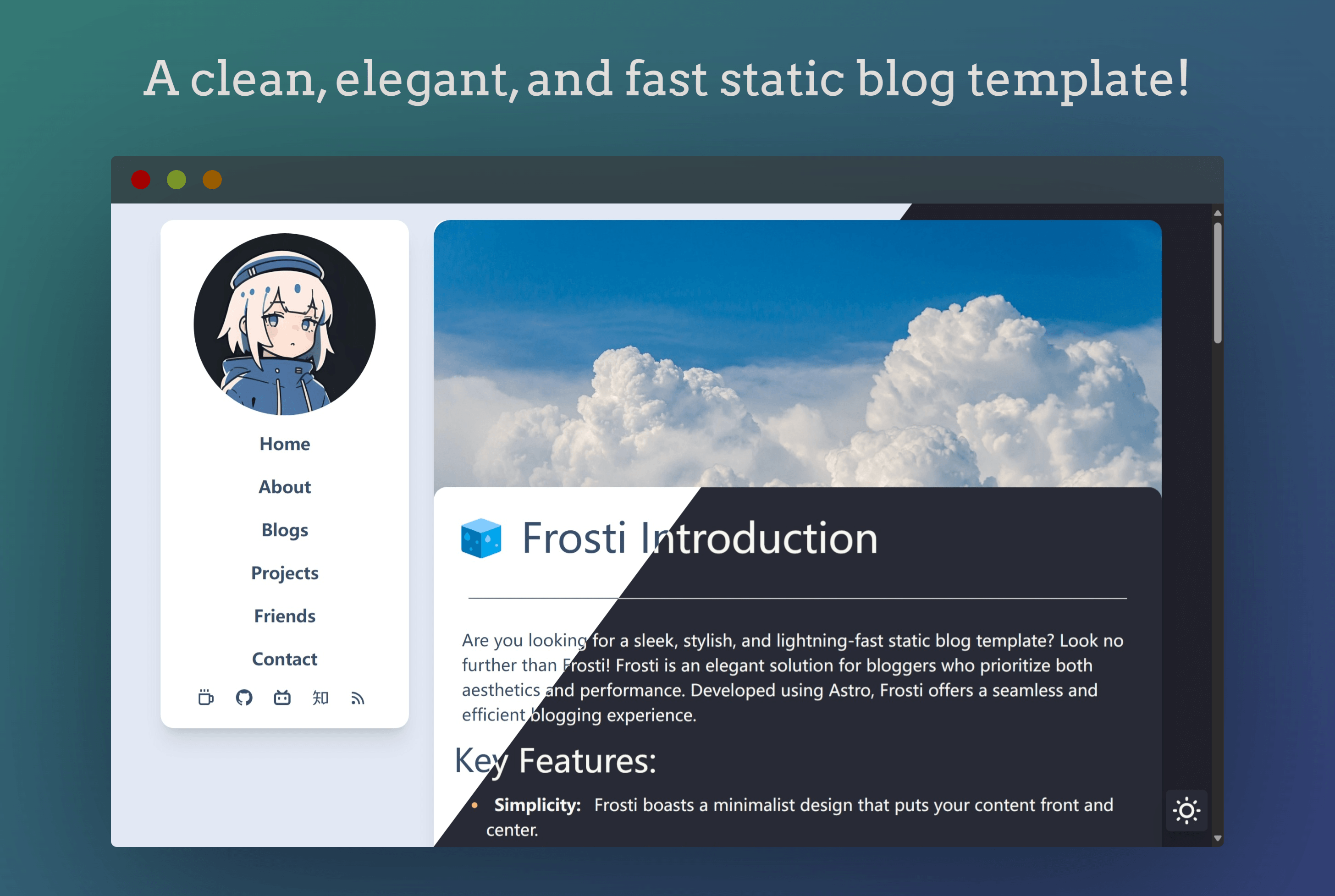
Use <LinkCard> to display a rich link preview.
Code:
123456<LinkCard
title="Frosti"
desc="A clean and feature-rich Astro blog theme."
url="https://github.com/EveSunMaple/Frosti"
img="/view.png"
/>
Common Pitfalls Link to Common Pitfalls
- Components render as static HTML by default, add client directives when needed
- Import paths must match the file location and use the correct relative prefix
- Keep component usage consistent across posts to avoid layout drift
References Link to References
- https://docs.astro.build/en/guides/markdown-content/#markdown-and-mdx-pages
- https://mdxjs.com/docs/what-is-mdx
Using MDX in Frosti
© EveSunMaple | CC BY-SA 4.0